
POS Hardware Buying Guide: What Every Retail Business Actually Needs to Start
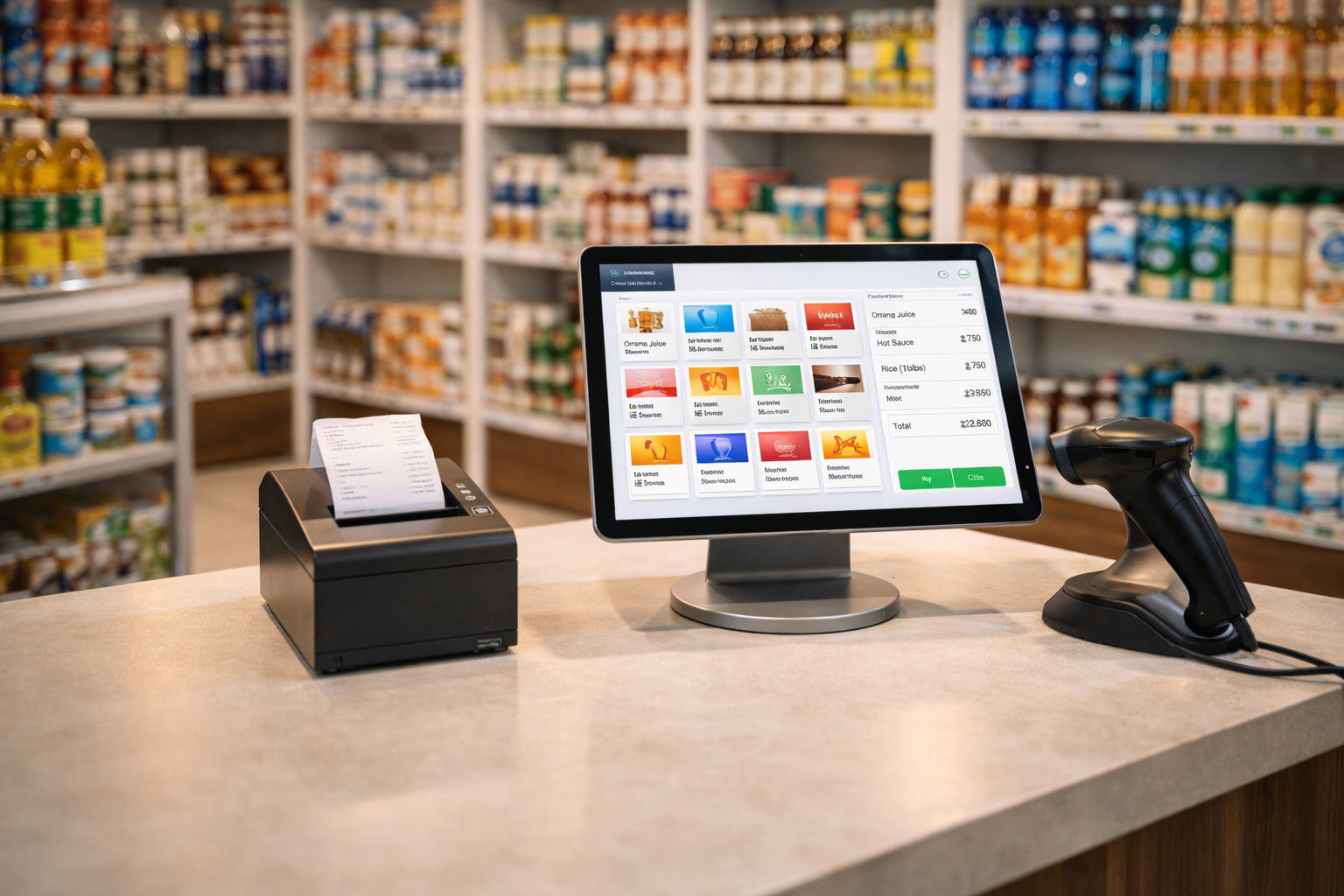
Setting up a point of sale system for the first time can feel overwhelming — especially when you start researching and find a long list of hardware options, accessories, and tech terms you were not expecting.
The good news? Most retail businesses do not need every piece of equipment on the market. What you need depends on the size of your shop, the type of products you sell, and how your team works.
This guide breaks it all down in plain language. By the end, you will know exactly what POS hardware to buy, what to skip, and how to avoid spending more than necessary before your first sale.
Why Getting Your POS Hardware Right Matters From Day One
Many business owners make one of two mistakes when setting up their POS. They either buy too little and end up manually working around gaps in their setup, or they buy too much and spend on equipment they never end up using.
The right hardware does not just make transactions faster. It creates a smoother experience for your customers, makes your staff more efficient, and reduces the chances of errors that eat into your profit quietly over time.
A good POS hardware setup, paired with the right software, gives you full control over sales, inventory, and your team — all from one place.
The Core POS Hardware Every Shop Needs
These are the essentials. If you are starting a retail shop — whether it is a supermarket, mini mart, pharmacy, or electronics store — you will need all of these to run a functional POS system.
1. A POS Device (Tablet, Laptop, or Desktop)
Your POS device is the brain of the entire setup. It is where your software runs, where your cashier processes sales, and where all the data lives.
You have a few options here:
Tablet (Android or iPad): Lightweight, affordable, and easy to set up on a counter. Works well for small to mid-size shops. Many Nigerian retail businesses use Android tablets because they are cost-effective and widely available.
Laptop: A practical option if you already have one. Laptops give you more screen space and are easy to use for staff who are already familiar with them.
Desktop or All-in-One POS Terminal: These are built specifically for retail environments. They are sturdy, have larger screens, and are ideal for busy checkout counters with high transaction volume. They cost more upfront but are built to handle daily heavy use.
For most small and medium shops in Nigeria, a good Android tablet or a laptop is a solid starting point. You do not need to invest in a custom terminal on day one.
2. Receipt Printer
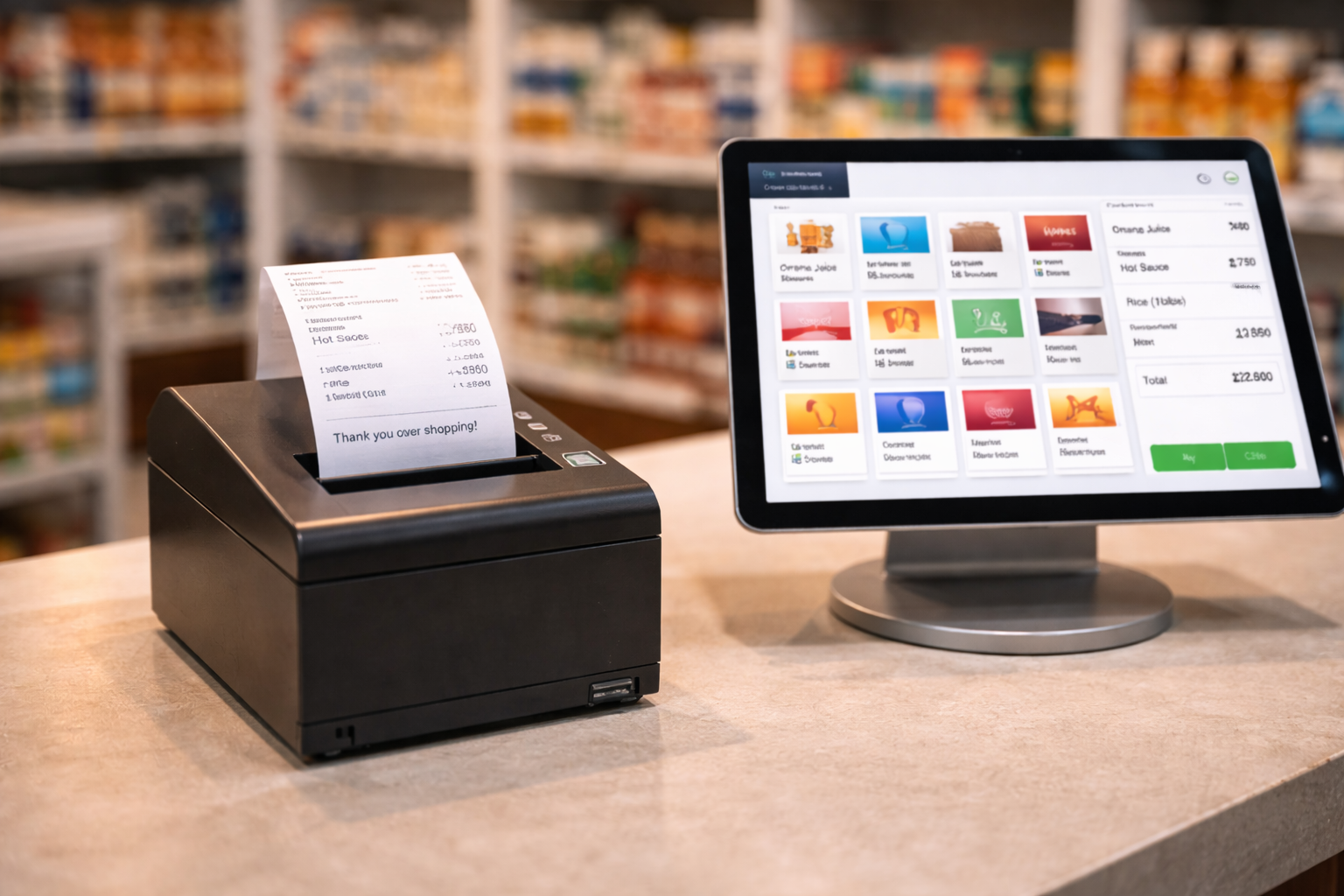
Unless you are running a fully digital business where customers opt for email receipts, you will need a receipt printer. Most retail shops in Nigeria still print paper receipts, and customers expect one.
The most common type used in retail is a thermal receipt printer. These printers use heat instead of ink, so they are faster, quieter, and cheaper to run because you never need to replace ink cartridges — just the paper roll.
When choosing a receipt printer, look for:
- Compatibility with your POS software
- Print speed (measured in millimetres per second)
- Connection type — USB, Bluetooth, or Ethernet
- Paper width support — 80mm is the standard for most retail receipts
Bluetooth thermal printers are popular for tablet-based POS setups because they keep the counter clutter-free.
3. Barcode Scanner
If your shop sells products with barcodes — which most retail shops do — a barcode scanner will save your cashiers a significant amount of time and dramatically reduce pricing errors.
Instead of manually searching for a product or typing in prices, the cashier simply scans the barcode and the product is added to the sale automatically.
There are two main types to consider:
Wired barcode scanners: These plug into your POS device via USB. They are reliable, affordable, and do not need charging. Great for a fixed checkout counter.
Wireless barcode scanners: These connect via Bluetooth and give staff freedom to move around — useful in supermarkets or warehouses where staff need to scan items in different locations.
Most entry-level wired barcode scanners are affordable and work well with standard retail POS software. This is not an area where you need to overspend to get good results.
4. Cash Drawer
If your shop accepts cash — which is still the dominant payment method in Nigerian retail — you need a cash drawer.
A cash drawer connects directly to your receipt printer and opens automatically when a sale is completed. This keeps cash secure and gives you an organised place to sort notes and coins by denomination.
When choosing a cash drawer, check:
- Whether it connects via your receipt printer (RJ11 port) or directly to your POS device
- The number of note and coin compartments
- Build quality — steel drawers last significantly longer than plastic ones
A cash drawer is one of the most affordable pieces of POS hardware and one that most shops cannot operate without.
Optional Hardware Worth Considering
Once you have the four essentials above, these additional items may be useful depending on your specific business type.
Customer Display Screen
A customer-facing display shows the transaction details to the customer as the cashier scans each item. This improves transparency, builds trust, and reduces disputes at the counter.
This is a nice addition for busier shops or businesses where trust with customers is a priority, but it is not essential when you are just starting out.
Weighing Scale (For Groceries and Food Retail)
If your shop sells items by weight — grains, fruits, vegetables, meat, or similar products — you may need a weighing scale that integrates with your POS system.
A scale that connects to your POS can automatically send the weight value to the system, making it faster to price and bill weight-based items. Not every shop needs this, but it is important for food retail businesses.
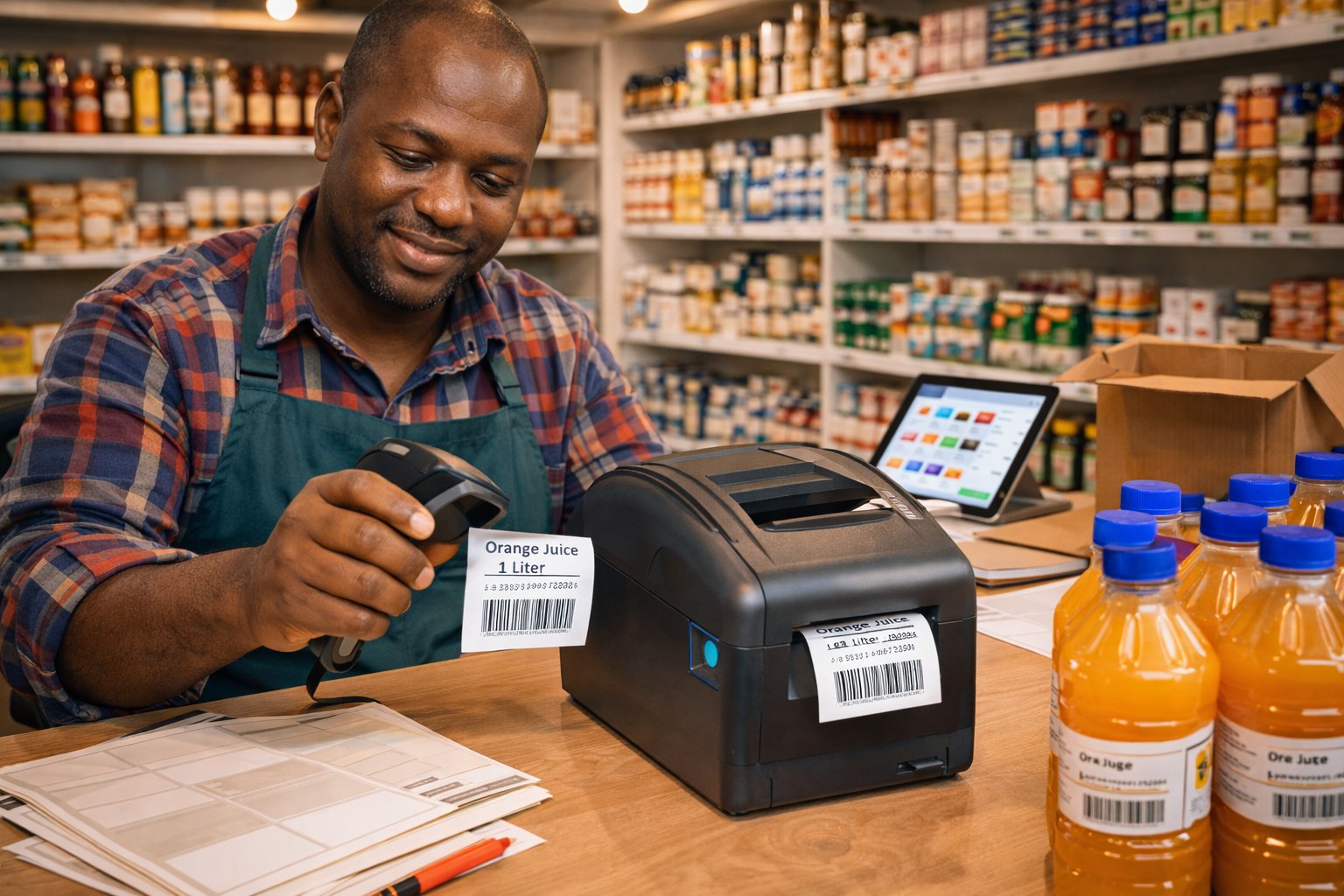
Label Printer
If you create your own product labels or price tags in-house, a label printer is useful. This is especially helpful for businesses that receive bulk stock and need to label individual items with barcodes and prices before shelving.
Label printers save time compared to handwriting labels and give your shop a more professional appearance on the shelf.
Hardware You Probably Do Not Need Right Away
Many new business owners get excited and purchase equipment they end up not using for months — or at all.
Here are a few items that look important but are usually not necessary when you are starting out:
Dedicated POS Terminal (custom all-in-one machine): These are great for high-volume businesses, but at the early stage, a tablet or laptop works just as well.
Multiple screens and second monitors: Unnecessary until your counter setup actually requires it.
Expensive industrial-grade scanners: Entry-level barcode scanners handle most retail environments well. Heavy-duty scanners are built for warehouses and logistics, not supermarket checkouts.
NFC card reader terminals: If you plan to accept card payments in the future, you will need this. But if you are starting with cash only, this can wait.
The goal at the start is to invest in what you will use immediately, not what looks impressive on paper.
How to Choose the Right POS Software for Your Hardware
Hardware is only one part of the equation. The software you run on that hardware determines how well your business actually functions day to day.
When evaluating POS software, make sure it supports:
- The hardware you are buying (receipt printer, barcode scanner, cash drawer)
- Inventory management, so you can track stock in real time
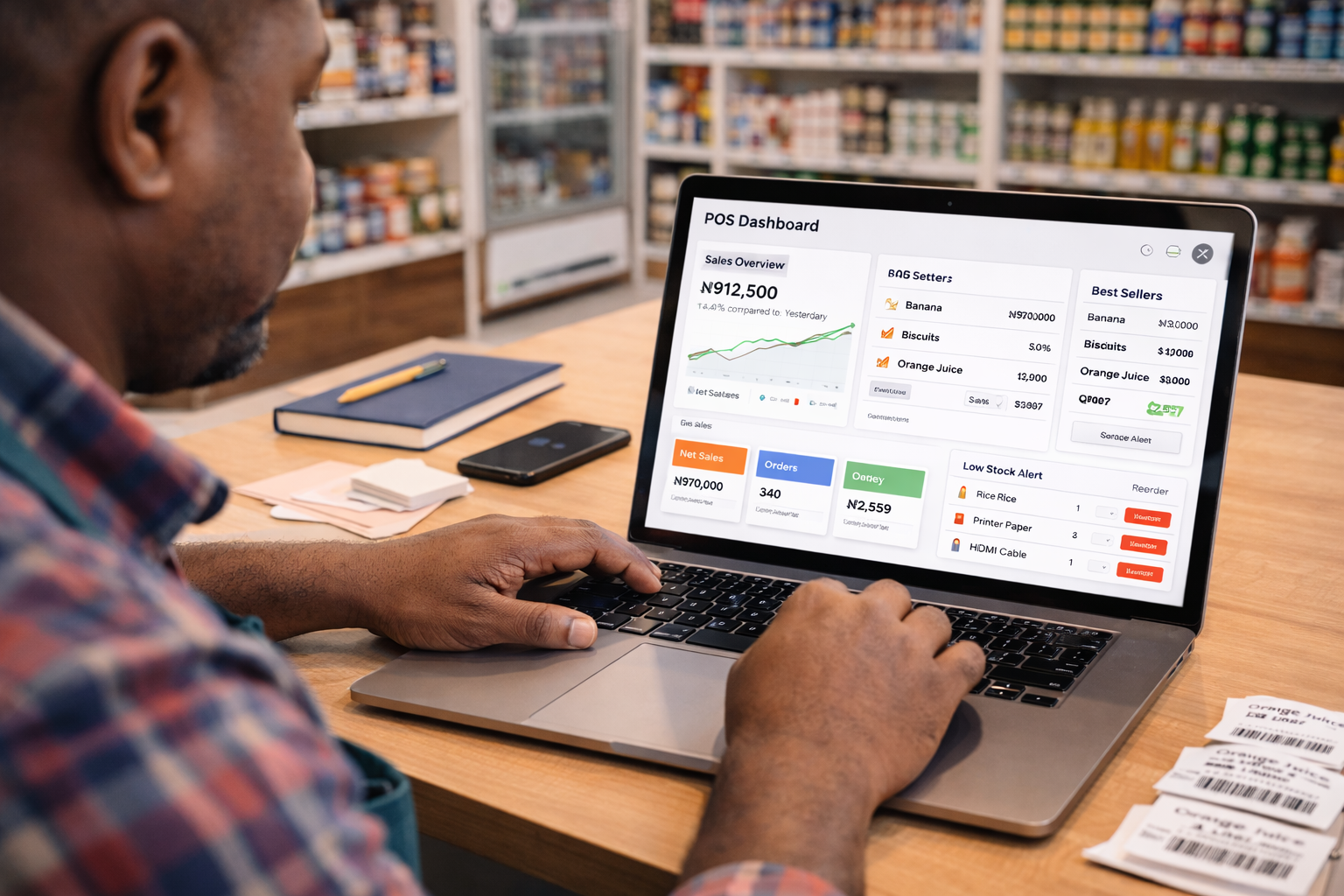
- Sales reporting, so you understand your business performance
- Staff management, so you can monitor who is selling and how
- Cloud-based access, so your data is safe and accessible even if a device is replaced
SwiftPOS is a cloud-based POS and retail management solution built for Nigerian businesses. It works across devices — tablet, laptop, or desktop — and supports barcode scanning, receipt printing, inventory management, staff control, and customer credit tracking without requiring expensive hardware to get started.
How Much Does POS Hardware Cost in Nigeria?
Hardware prices vary depending on quality, brand, and supplier. Here is a rough guide to what you might budget for each component as of today:
| Hardware | Estimated Price Range |
|---|---|
| Android Tablet (mid-range) | ₦60,000 – ₦150,000 |
| Thermal Receipt Printer | ₦30,000 – ₦80,000 |
| Wired Barcode Scanner | ₦10,000 – ₦30,000 |
| Cash Drawer | ₦15,000 – ₦40,000 |
| Estimated Total | ₦115,000 – ₦300,000 |
This is a reasonable budget for a solid starter setup. The good news is that the software side does not have to be expensive. SwiftPOS pricing plans start at just ₦2,000 per month, meaning you can get fully functional POS software running on your new hardware for the cost of a small daily expense.
Quick Hardware Checklist Before You Go Live
Before you open your doors and start processing sales, run through this checklist:
- POS device is set up and connected to the internet
- POS software is installed, configured, and tested
- Receipt printer is connected and printing correctly
- Barcode scanner is working and scanning products accurately
- Cash drawer opens correctly when a sale is completed
- All products are added to the software with correct prices and barcodes
- At least one staff account is created and tested
- A test transaction has been run from start to finish
Do not skip the test transaction. Running a full mock sale before your first real customer helps you catch setup issues before they cause problems in a live environment.
Frequently Asked Questions
Do I need special hardware to use a POS system? Not necessarily. Many modern POS software options — including SwiftPOS — are designed to run on standard devices like Android tablets and laptops. You do not need to buy specialised hardware unless you want to.
Can I use a smartphone as a POS device? Technically yes, but it is not ideal for a fixed checkout counter. A tablet or laptop gives you a better screen size for daily operation, and it is easier for cashiers to use when processing multiple transactions.
Do I need the internet to run a POS system? It depends on the software. Some solutions require a constant internet connection. SwiftPOS supports offline order mode, which means your team can continue processing sales even when connectivity drops — and the data syncs when the connection is restored.
What if I sell products that do not have barcodes? You can create custom barcodes for products that do not come with them. Most POS software, including SwiftPOS, allows you to generate and assign barcodes to any product in your inventory, which you can then print using a label printer.
Can one POS setup work for multiple branches? Yes. If you are managing more than one location, you will need software that supports multi-branch management. SwiftPOS's Pro Plan is built for this and allows you to manage multiple branches from a single account.
Ready to Set Up Your POS the Right Way?
Getting the right hardware is only half the job. The software you choose determines whether your investment actually pays off in better sales tracking, tighter inventory control, and a smoother business overall.
SwiftPOS is a cloud-based POS and retail management solution designed for Nigerian businesses — from small mini marts to multi-branch supermarkets. It works on the hardware you already have or plan to buy, and it includes everything from inventory management and staff control to customer credit tracking and detailed sales reports.
👉 Explore pricing plans at https://swiftpos.ng/pricing 📲 Or message SwiftPOS on WhatsApp at +2349164601810 to get started.
And remember — you get 1 month free when you subscribe annually on any plan.
