How to Use a Barcode Scanner for Your Small Business in Nigeria (2026 Complete Guide)
SwiftPOS Team
Published May 18, 2026

Every time a customer walks up to your counter, two things are happening at once: they are waiting, and your business is being tested.
If your cashier has to type in product names, search through a long list, or guess prices from memory — you are losing speed, trust, and money.
Barcode scanning solves that problem almost immediately. It speeds up checkout, reduces mistakes, and connects every sale directly to your inventory. But many small business owners in Nigeria either do not know how to get started, or they assume barcode scanning is only for big supermarkets.
It is not. It works for provision stores, pharmacies, mini-marts, electronics shops, and any retail business that sells products.
This guide covers everything you need to know about how to use a barcode scanner for your small business in Nigeria — from understanding the basics to choosing a POS system that supports it.
What Is a Barcode Scanner and Why Does It Matter for Your Business?
A barcode scanner is a device that reads the black-and-white striped codes printed on product packaging. When you scan a product, the scanner reads the code and sends that information to your POS software, which then pulls up the product name, price, and stock level automatically.
This is faster than manually searching for a product by name. It is also more accurate — no typos, no price mistakes, no guesswork.
For small businesses in Nigeria, this matters more than most people realize. A typical provision store may stock 500 to 2,000 products. Without barcode scanning, serving 20 customers in a lunch rush can take far longer than it should. With it, the same 20 customers can be processed in a fraction of the time.
Beyond speed, barcode scanning also:
- Reduces cashier errors at the point of sale
- Automatically updates stock levels when a product is sold
- Makes end-of-day reports more accurate
- Creates a clear, auditable record of every transaction
If you are serious about running a clean, efficient retail business, barcode scanning is not a luxury. It is a basic tool that pays for itself quickly.
How Barcode Scanning Works in a Retail Setting
When a product is manufactured, the producer prints a barcode on the packaging. This barcode contains a number — usually a UPC (Universal Product Code) or EAN (European Article Number) — that is unique to that product.
When your cashier scans the barcode:
- The scanner reads the code
- The code is sent to your POS software
- The POS software looks up the product in your database
- It displays the product name and price on screen
- The item is added to the customer's bill
- When the sale is completed, the stock count automatically drops by one
This entire process takes less than one second per item. In a busy shop, that speed adds up enormously across an entire day of sales.
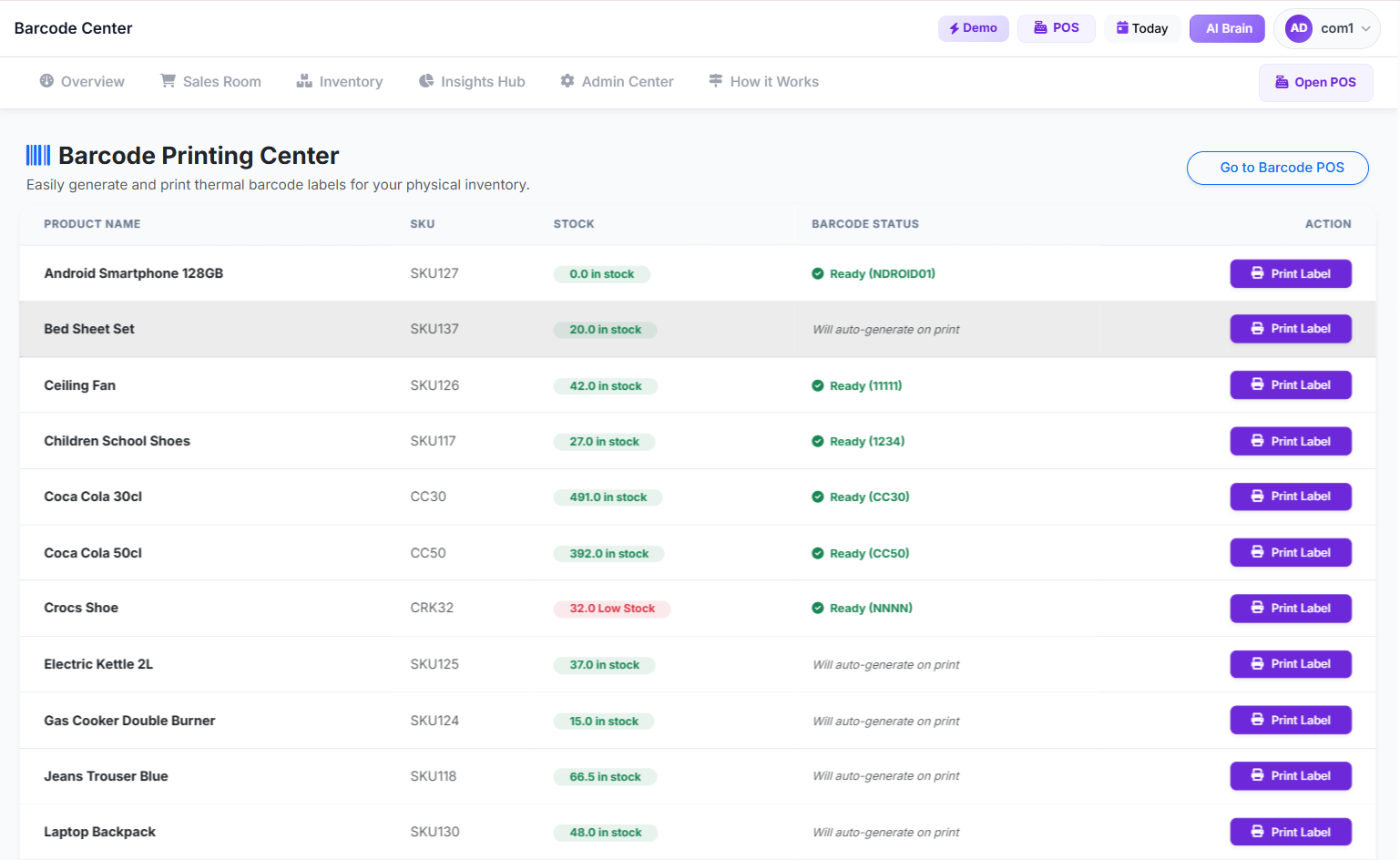
If a product does not have a barcode — for example, locally sourced goods or products you package yourself — your POS system can often generate and print a barcode label for that item, which your scanner will then read in future.
Types of Barcode Scanners Available in Nigeria
Not all barcode scanners are the same. Knowing the difference helps you choose the right tool for your shop.
Handheld USB Wired Scanners
These are the most affordable option. You plug them into a computer or POS device via USB, and they are ready to use. They work well at a fixed checkout counter. For most small businesses in Nigeria, this is the best starting point.
Wireless Bluetooth Scanners
These connect via Bluetooth and allow your cashier to move around the shop. They are useful in pharmacies or warehouses where you need to scan items on shelves rather than at a counter. They cost more than wired scanners but offer more flexibility.
2D QR Code Scanners
These read both standard barcodes and 2D codes like QR codes. If your business plans to accept QR-based payments or use QR-coded loyalty programmes, a 2D scanner makes sense.
Mobile Phone Scanning
Some POS apps allow your smartphone camera to act as a barcode scanner. This is a low-cost starting option, but it is slower and less reliable than a dedicated scanner.
For most small retail businesses in Nigeria, a USB wired handheld scanner is the most practical and affordable starting point. You can upgrade later as your business grows.
Step-by-Step: How to Set Up a Barcode Scanner for Your Small Business
Setting up a barcode scanning system does not require technical expertise. Follow these steps and you can have your system running within a day.
Step 1 — Choose the Right Barcode Scanner
Start with a basic USB wired scanner. In Nigeria, these are available in most computer accessory markets in Lagos, Abuja, and Port Harcourt, as well as through online stores. A decent entry-level scanner typically costs between ₦5,000 and ₦20,000 depending on the brand and quality.
When choosing, look for:
- Compatibility with your POS system (USB plug-and-play usually works universally)
- A comfortable grip if your cashiers will be scanning all day
- A visible scan confirmation sound or LED light so your staff knows when a scan is successful
Step 2 — Add Barcodes to Your Products
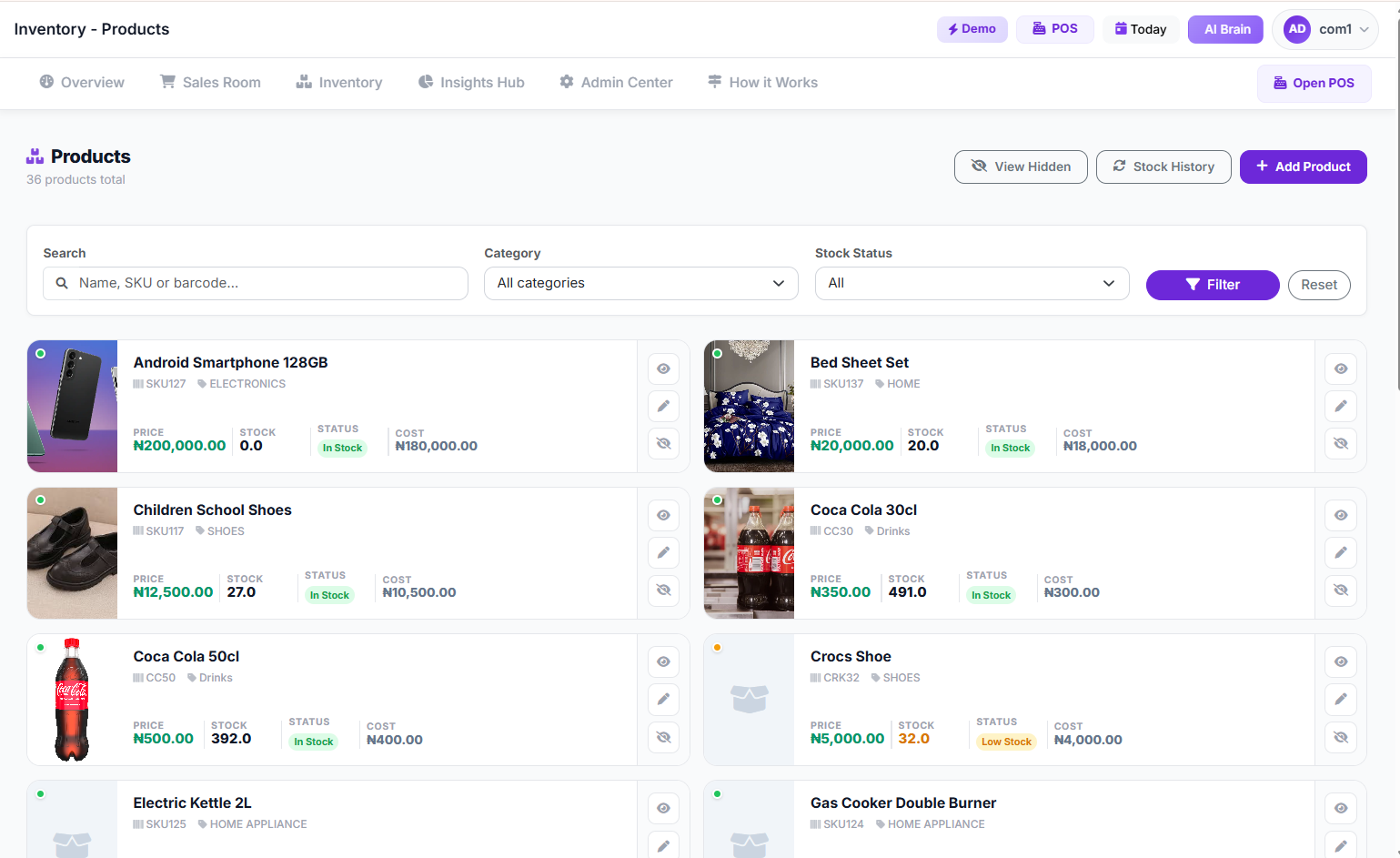
Before you can scan anything, your products need to be registered in your POS system with their correct barcodes. For products that already have a barcode printed on them (drinks, packaged foods, drugs, electronics, etc.), you simply add the product to your POS system and scan the barcode on the product packaging during setup. The system saves that barcode and links it to the product automatically.
For products without barcodes, your POS system can generate unique barcodes and print them on sticker labels, which you then attach to each product.
Step 3 — Connect Your Scanner to a POS System
A USB barcode scanner simply plugs into your computer or POS terminal. It usually does not need additional drivers or software. When connected, it acts like a keyboard — it types the barcode number directly into whatever field is active on screen.
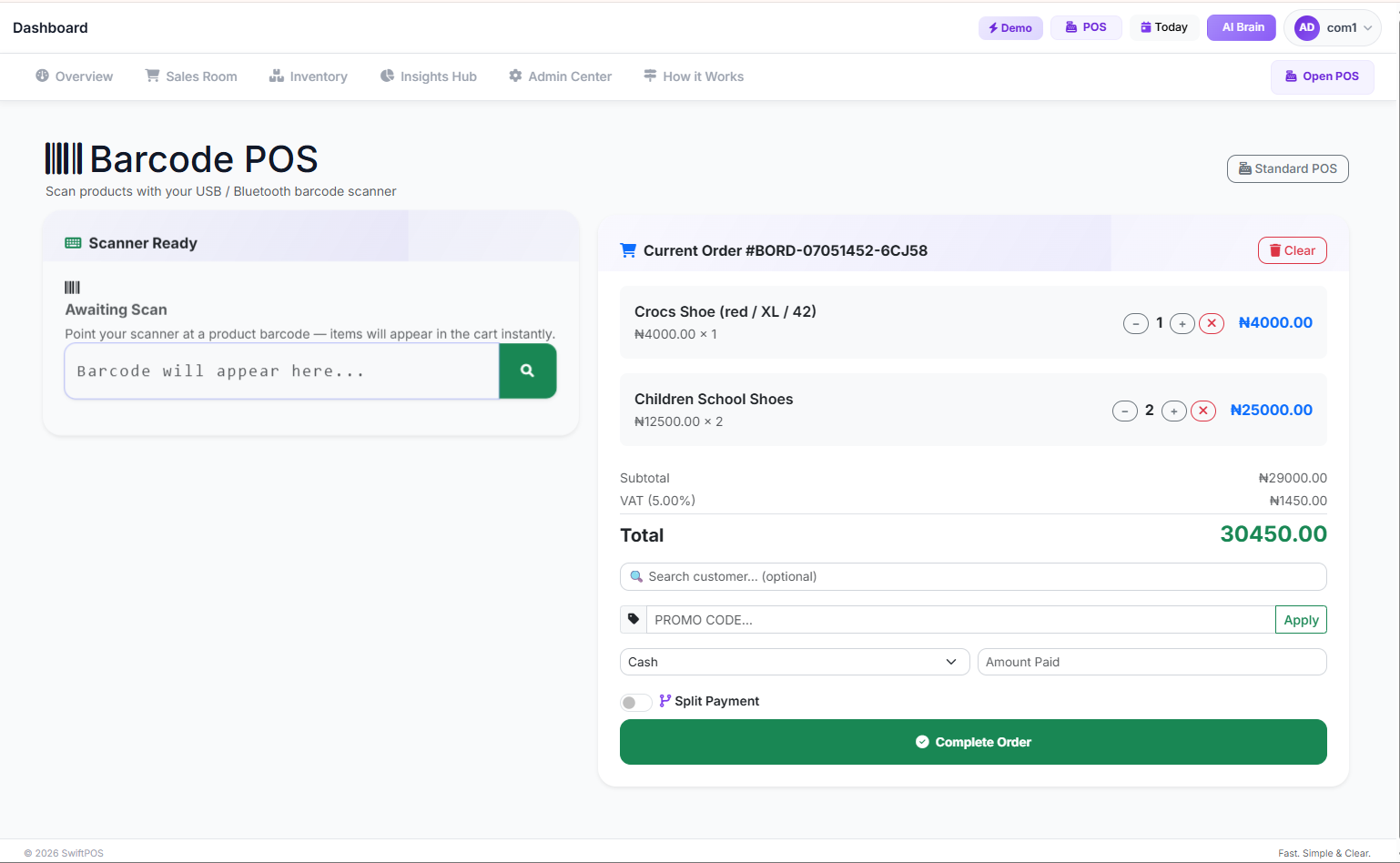
Your POS software needs to support barcode scanning. SwiftPOS offers a dedicated barcode POS terminal designed specifically for this workflow. When your cashier scans a product, it appears on the checkout screen immediately — no searching, no typing, no guessing.
Step 4 — Train Your Staff
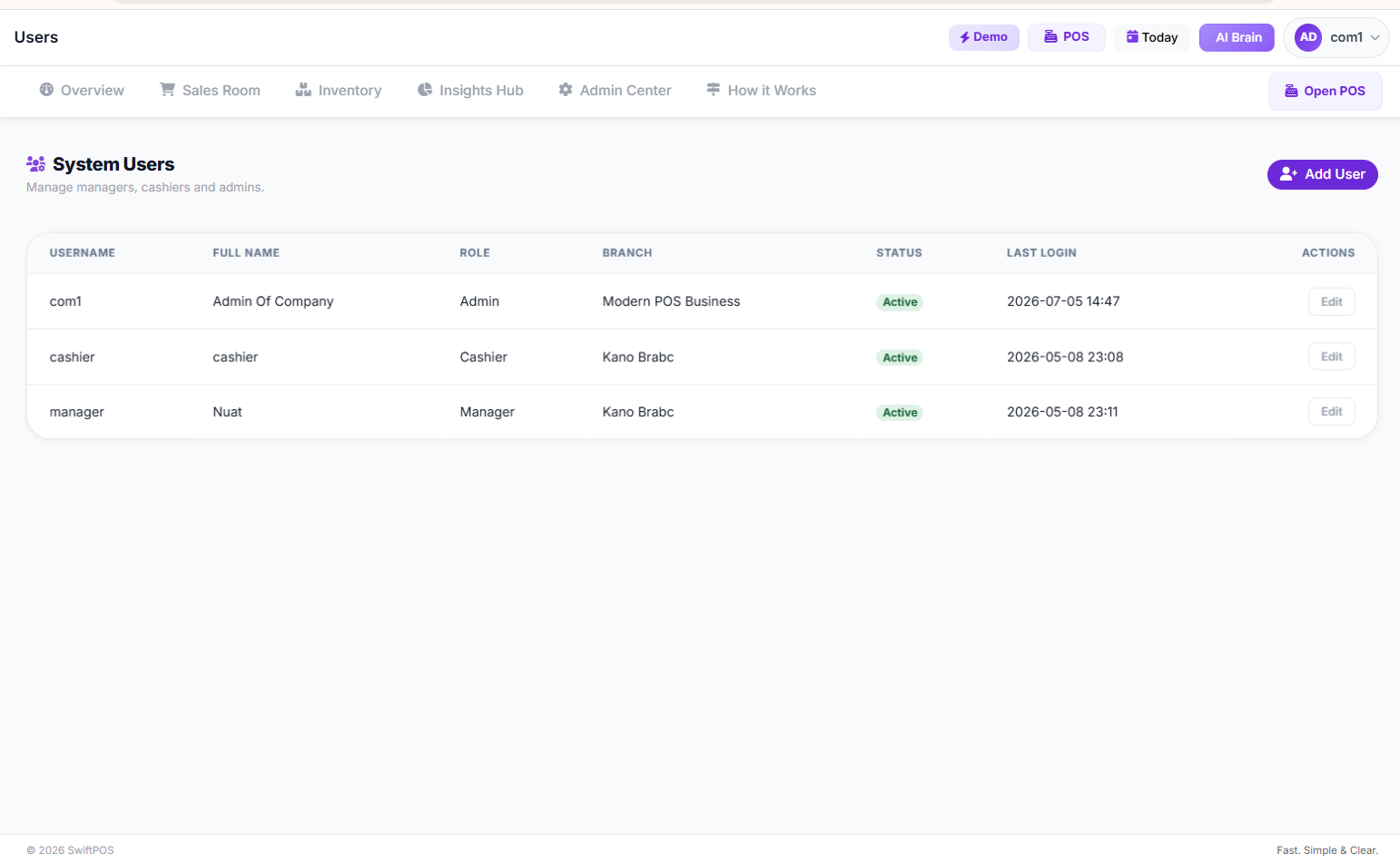
Barcode scanning is simple to learn. One 15-minute training session is usually enough. Show your staff how to hold and aim the scanner at the barcode, what to do if a scan fails, and how to handle products with damaged or missing barcodes.
Step 5 — Monitor Results and Improve
After your first week of barcode scanning, review your transaction history. Check average transaction time, the number of manual overrides (when the barcode was not found), and inventory accuracy compared to physical counts. If many products are not being found by the scanner, those items were not set up correctly — go back and add the missing barcodes.
Why a Barcode POS System Changes Everything for Nigerian Retailers
The reality of retail in Nigeria is that margins are often thin, competition is growing, and customers are less patient than they used to be. Every minute a customer spends waiting at your counter is a minute they could be leaving for a competitor.
When your cashier scans instead of types, a five-item purchase takes seconds instead of a minute or more. In a shop with 100 customers per day, that time saving multiplies into a meaningful difference in throughput, customer satisfaction, and total sales.
Beyond speed, barcode scanning also closes the gap between what your system says you have in stock and what is actually on your shelves. Every scan updates inventory in real time, so you always know what to reorder and when — without counting manually. Learn more about how this connects to poor inventory management costing your business.
How SwiftPOS Makes Barcode Selling Fast and Simple
SwiftPOS is a cloud-based POS and retail management system built for Nigerian businesses. The Standard and Pro plans include a dedicated Barcode POS terminal optimised specifically for scanner-based checkout.
The barcode POS terminal loads fast, works cleanly, and connects directly to your product database. When your cashier scans an item, the product appears on screen with its name and price. Inventory updates automatically with every scan, so your stock levels are always accurate. SwiftPOS also supports automated reordering and low stock alerts so you never run empty without warning.
SwiftPOS pricing for barcode-enabled plans:
| Plan | Monthly Price | Barcode POS | Staff Limit | Orders Per Day |
|---|---|---|---|---|
| Standard | ₦6,000 | ✅ Yes | 5 | 500 |
| Pro | ₦12,000 | ✅ Yes | 15 | Unlimited |
Both plans include audit logs, P&L reports, and full inventory management. See full details at swiftpos.ng/pricing.
Common Barcode Scanning Mistakes Small Businesses Make
Not registering all products in the system first. Before you can scan anything, every product must be in your POS database with its barcode linked. Many businesses start scanning before this is complete and find that half their products are not recognised.
Using a low-quality scanner that misreads codes. Cheap scanners sometimes read barcodes incorrectly, especially on curved or slightly damaged packaging. A scanner that misreads one in every twenty barcodes is not acceptable in a busy shop.
Forgetting to update the system when products change. When a supplier changes their packaging — and the barcode changes with it — your system will no longer recognise the product. Train your staff to flag this when it happens.
No fallback for missing barcodes. Some products will occasionally have a damaged or missing barcode. Your cashier needs a simple process for this: search the product by name, select it, and add it to the sale manually.
How Barcode Scanning Improves Inventory Management
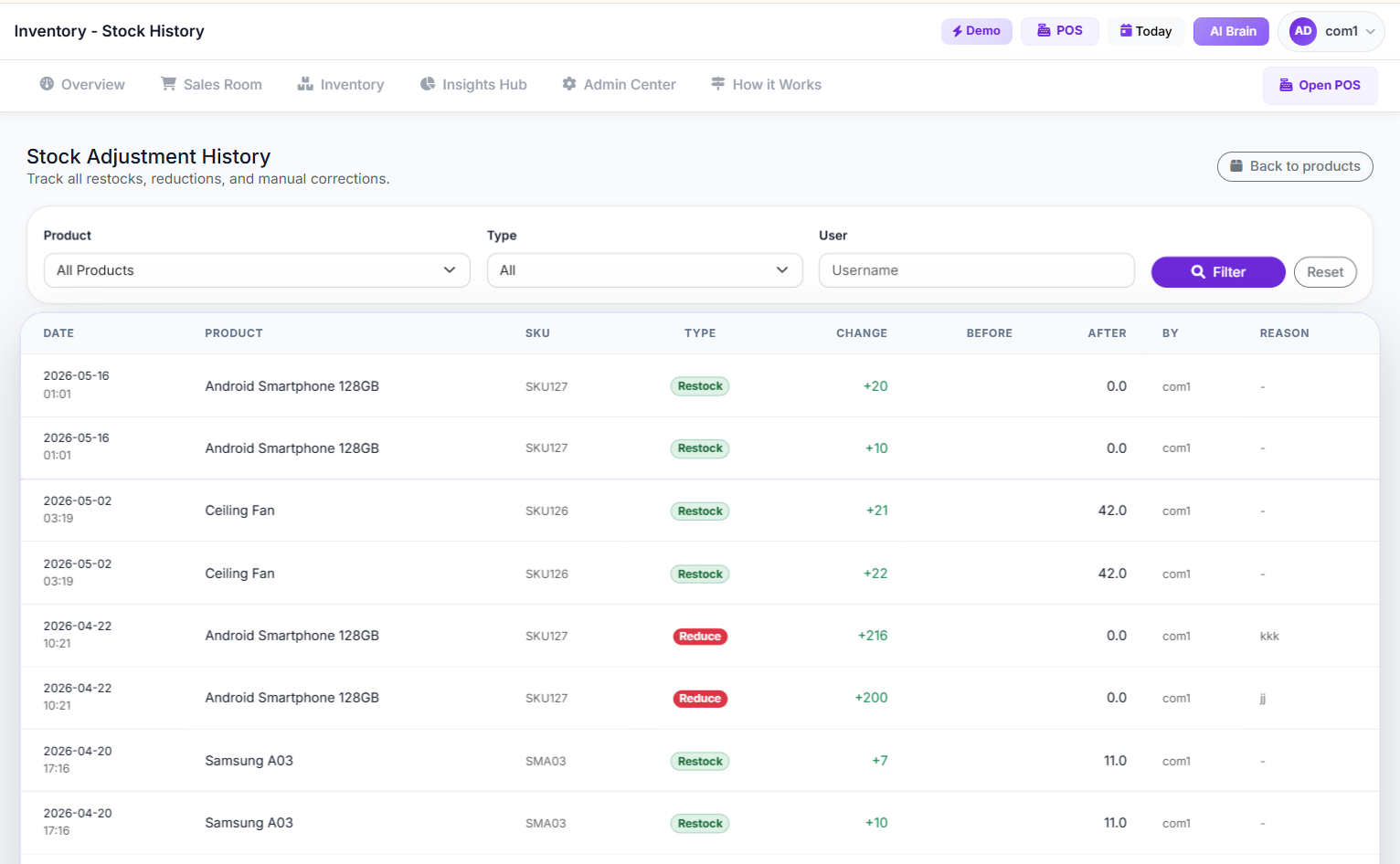
When every sale is completed through a barcode scan, your POS system automatically deducts that item from your stock count. This means your inventory levels are updated in real time — not at the end of the week when you do a manual count.
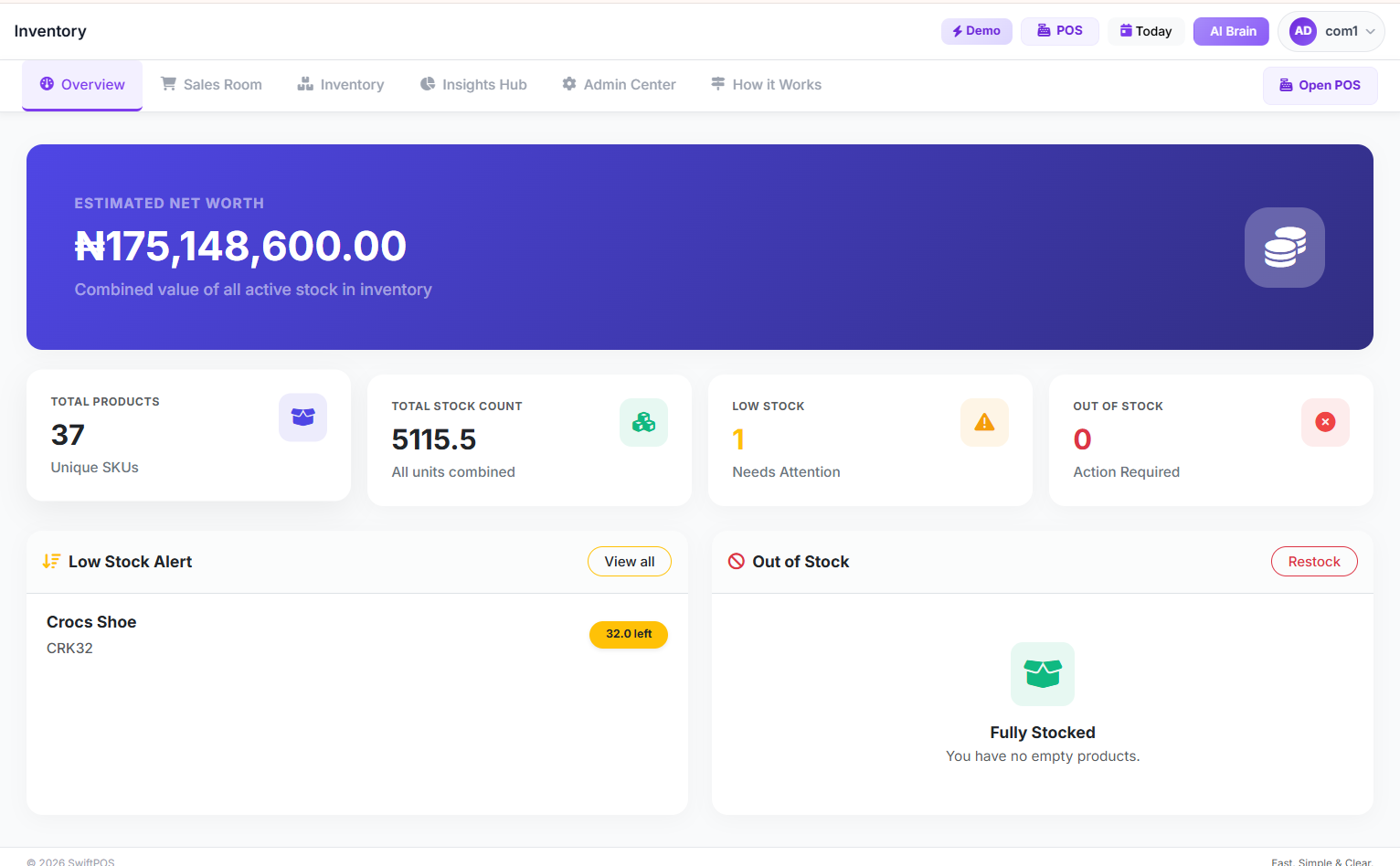
You know immediately when a product is running low, rather than discovering it is out of stock when a customer asks for it. SwiftPOS triggers low stock alerts automatically, so you can reorder before shelves go empty. You also have an accurate record of your stock movement over time — which products sell fastest, which move slowly, and which are not selling at all. Read more about how to stop losing money to dead stock.
Frequently Asked Questions
Do I need a barcode scanner to use SwiftPOS?
No. SwiftPOS also offers a Grid POS terminal that lets you sell by tapping product buttons, without a scanner. However, the barcode POS terminal is available on Standard and Pro plans and significantly speeds up checkout if you have many products.
Can I use any barcode scanner with SwiftPOS?
SwiftPOS supports standard USB and Bluetooth HID-compatible barcode scanners, which covers the vast majority of scanners sold in Nigeria. If you are unsure, contact SwiftPOS support via WhatsApp at +2349164601810 before purchasing.
What if my product does not have a barcode?
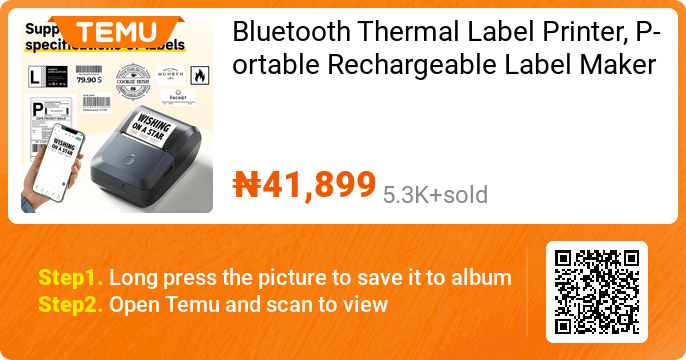
SwiftPOS allows you to create and print your own barcode labels for products that do not have one. You will need a label printer, but this is a one-time setup that opens barcode scanning to your entire product range.
Is barcode scanning useful for a small provision store?
Yes. Even for small shops with 100 to 300 products, barcode scanning speeds up checkout significantly and makes inventory tracking far more accurate. The SwiftPOS Standard plan at ₦6,000 per month supports this use case well.
Does SwiftPOS work without internet?
SwiftPOS supports offline order processing, which means your sales will not be interrupted if your internet connection drops temporarily. Data syncs automatically when the connection is restored.
Ready to Set Up Barcode Scanning for Your Shop?
SwiftPOS gives you a complete barcode-ready POS system with real-time inventory management, staff controls, audit logs, and P&L reports — all in one affordable platform built for Nigerian businesses.
👉 Check pricing plans at swiftpos.ng/pricing
📲 Or message SwiftPOS on WhatsApp: +2349164601810
🎁 Subscribe annually on any plan and get 1 month completely free.

How to Know If Your Business Is Actually Profitable: A…
Oct 08, 2026
How to Stop Cash Leakage in Your Business: A Comprehen…
Oct 04, 2026
How to Start a Food Business with Low Capital: A Step-…
Oct 01, 2026